All Posts
106. Featured Plans: Align Bible Reading with Your Teaching
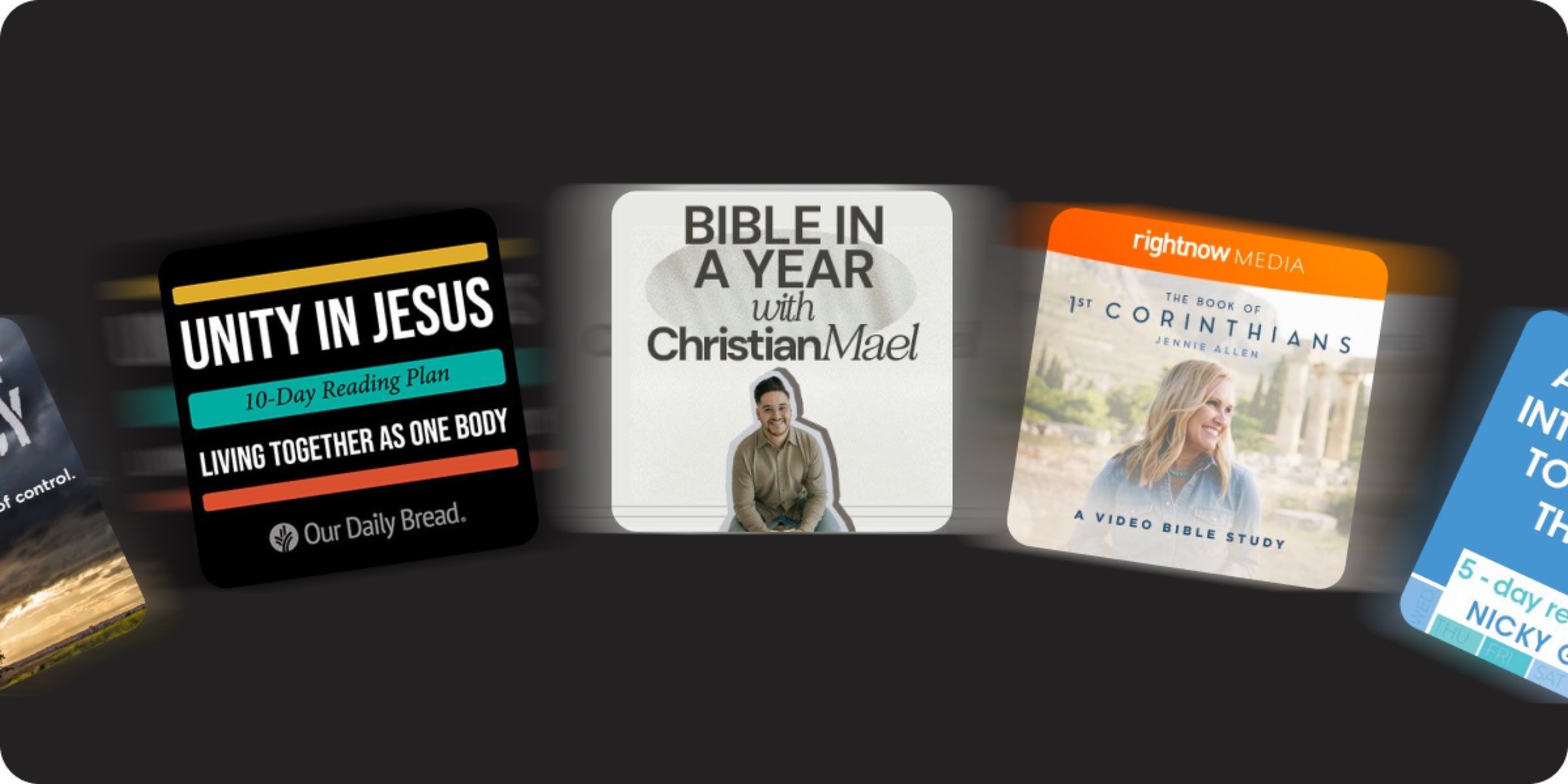
Featured Plans allow you to highlight a specific Plan on your Church Page that relates to your sermon series. This is a powerful alignment tool that helps connect your Sunday sermon to daily Scripture reading, helping your church move through the Bible together.
How Churches Use This
The Bible App has an extensive Plan library with thousands of topics in many languages so you can find a Plan that fits the needs of your church. Start by featuring one Plan at a time that aligns with your current sermon series. Announce your Featured Plan during your Sunday service, invite your church to join, and mention it in your weekly communications.
Rotate your Featured Plan based on the season or church events, including Advent, Easter, summer reading, etc. Reference your Featured Plan in Posts to create cohesion. Align your Featured Plans with your preaching calendar, and use YouVersion Connect data to see which Plans have the best engagement rates.
Here are a few specific use cases:
- Sermon series alignment. You are preaching a 6-week series on the Psalms. You feature a corresponding Psalms Plan that walks through the same passages. Each Sunday builds on what people have been reading all week.
- New believer pathway. A visitor completes your church’s “Next Steps” class. You direct them to your Featured Plan for new believers—giving them a structured first experience with daily Scripture reading.
- Seasonal campaigns. You feature a “Read the Bible in a Year” Plan during January and promote it to your church. Your Posts reference the daily readings, your small groups discuss them, and you occasionally tie them into weekend messages.
Radiant Church in Tampa, FL says about Featured Plans, “We keep our Featured Plans aligned with the sermon calendar. If our pastor is preaching on identity in Christ, we feature a Plan that walks through the same theme. It keeps the whole church on the same page—literally.”
Operational Guidance
- Who owns this? Editors and Owners can select Featured Plans. This is typically the person who manages your sermon calendar or discipleship strategy.
- Frequency: Update when your sermon series or season changes, typically every 4-8 weeks. Those who have tapped “Set As My Church” will be notified when you update your Featured Plan.
- Time: 10-15 minutes
Best Practices
- Announce during your church service. An invitation from you to open the Bible App and start this week’s Plan is the single most effective adoption driver.
- Connect to your Posts. Reference your Featured Plan in weekly Posts.
- Preview before you feature. Read the Plan yourself before recommending it, ensuring it aligns with your church theologically and practically.
Sign in to YouVersion Connect today to choose a Featured Plan.

Have questions? Check out these help docs to get started: