All Posts
107. Events: Digital Engagement During Service
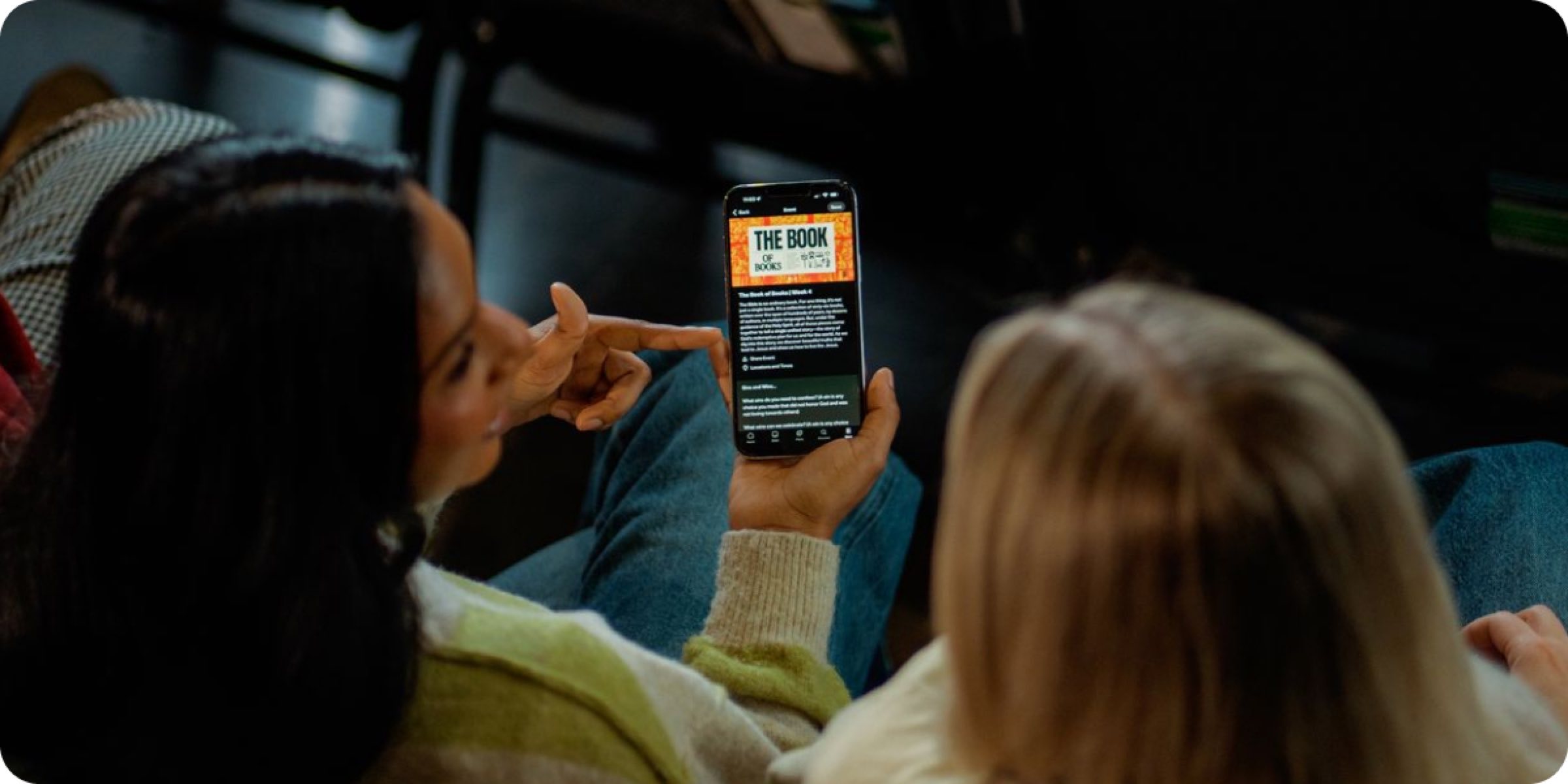
Events help you create a digital service experience that can be used while someone is physically at your church. Think of it like a digital bulletin—sermon notes, Scripture references, announcements, giving information, recommended Plans, and more!
Events are separate from your Church Page, but you can link your Event in a Post to make them easier to find. Attenders can save Events to return to them later, add their own notes, and share them with others.
How Churches Use This
When you create your first Event, include your sermon outline, key Scripture passages, and an announcement or next step. Include links to your Featured Plan or Plans with Friends to encourage participation. Share your Event before or during the service using the link or QR Code. Creating a Post that links to your Event is a great way to do this!
To simplify the process and save time each week, duplicate your last Event and update the content. Events can also be used for midweek gatherings, youth groups, or your men’s or women’s ministries. Provide this as a digital bulletin option, or replace your paper bulletins entirely.
Here are a few specific use cases:
- Weekly digital bulletin. Every Saturday, you duplicate last week’s Event and update it with this week’s sermon title, outline, Scripture references, and announcements. Attenders see the full sermon outline, take personal notes, and save the Event to come back to it later in the week.
- Connect Events to your Church Page. You create an Event for your Sunday service and include the link in a Post. The Post appears at the top of your Church Page, and those who have tapped “Set As My Church” will see it on their Home feed and get a notification.
- Easter or Christmas. For your biggest services of the year, create a polished Event with your sermon outline, holiday themed images, Scriptures, and a recommended Plan for the season. First-time visitors will experience a welcoming digital touchpoint that helps them remember your church and take a next step.
Operational Guidance
- Who owns this? Your communications teams, media/tech director, or a trained volunteer who manages weekly service content.
- Frequency: Weekly for regular services, and additional Events for special services, conferences, or gatherings.
- Time: 15-20 minutes per Event
Best Practices
- Duplicate and iterate. Build a template that works for you and refine it over time.
- Promote during the service. An invitation directly from you goes further than any email or screen announcement.
- Keep it scannable. Sermon outlines should be key points and announcements should be brief with links for more information.
- Include a next step. Every Event should have one clear next step, whether that’s starting the Featured Plan, signing up for a group, or something else.
Create your first Event today for your weekend services!

Need help getting started? Check out these links for more information and to create your first Event: