All Posts
103. Announce Your Church Page
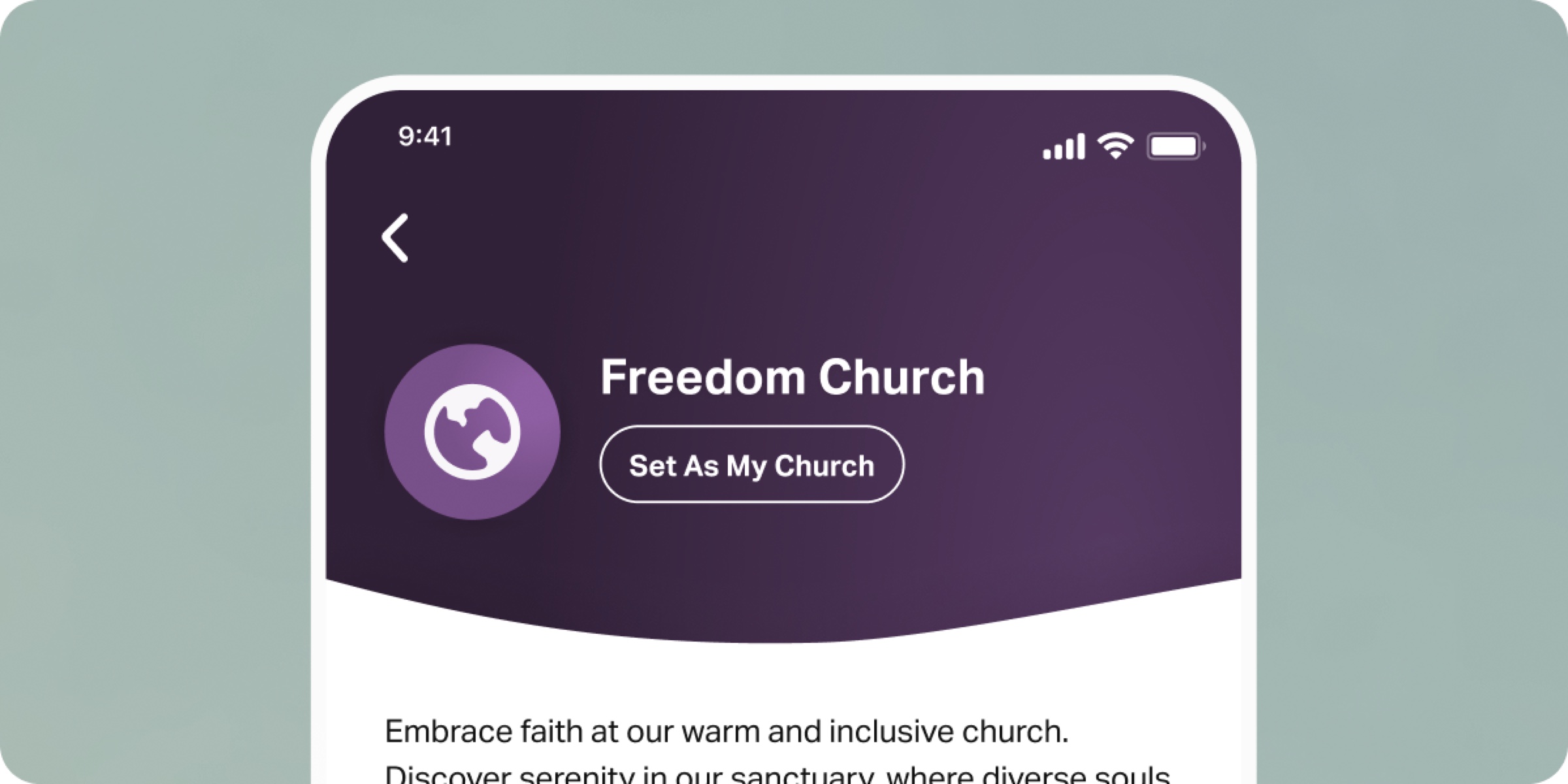
Now that you’ve set up your Page and gotten comfortable with Featured Plans and Posts, it’s time to announce your new presence and invite your church to join.
When you first announce your Page, use several weeks to cast vision and help people start using the Bible App regularly. In YouVersion Connect, you’ll find a QR Code or link to help you easily share your Church Page. Point people to your Church Page during your sermon, in your bulletin, on social media, and in email communications.
After your initial announcement, talk about your Church Page regularly. Reference your Featured Plan, Posts, and other ways you use the Bible App. Continuing to talk about your Church Page is the best way for people to engage with it.
In the Bible App, people can set their church to stay connected digitally, receive notifications, and join shared reading Plans. Encourage attenders to join you in the Bible App using the following steps:
- Scan the QR Code or tap the link to access your Church Page.
- Tap “Set As My Church”
- Set who can see your church in the Bible App (everyone, Friends, or no one)
Sign in to YouVersion Connect to find your QR Code and announce your Church Page this Sunday.
