All Posts
109. Support for Multi-Site Churches
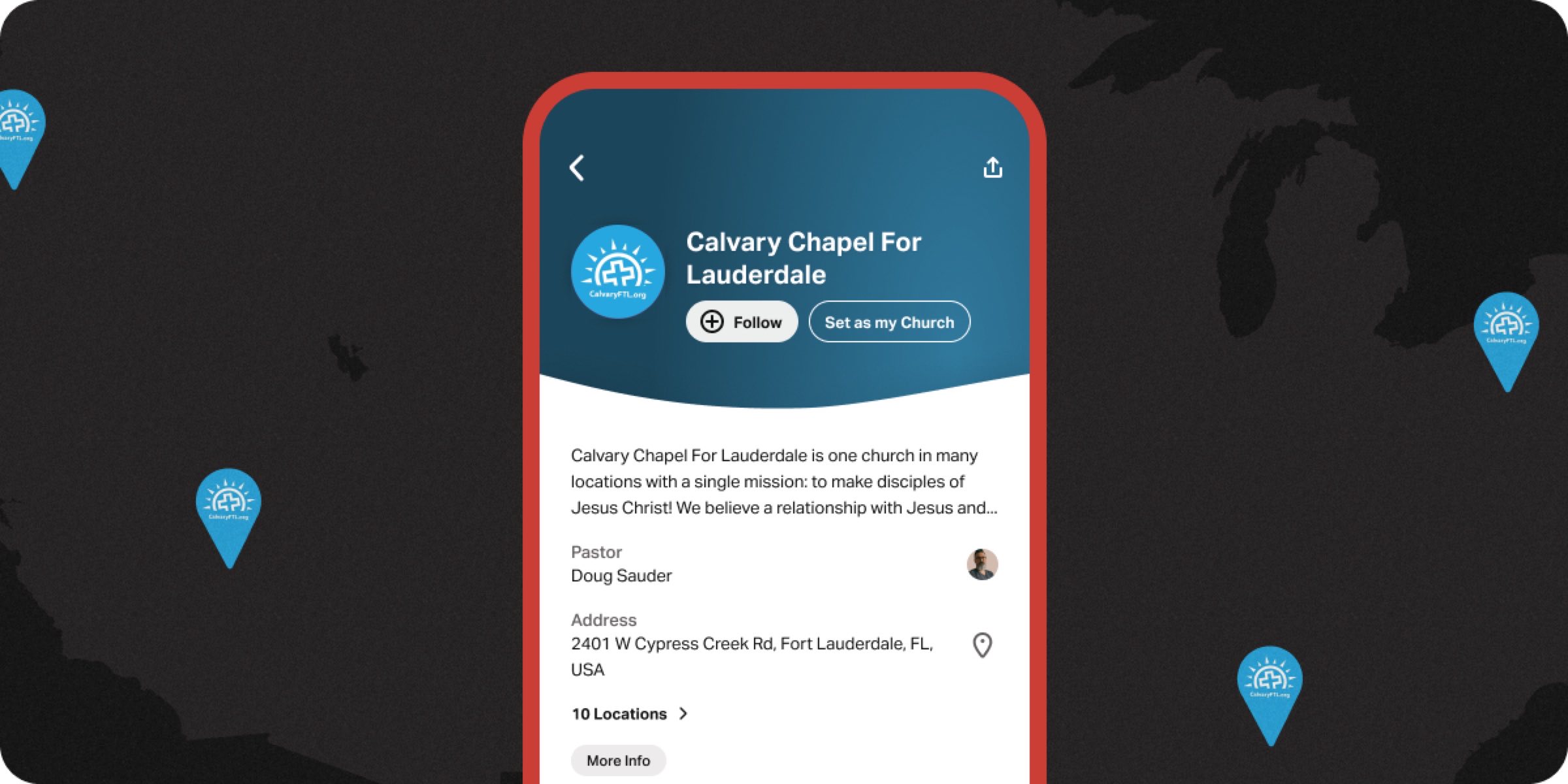
Multi-site churches face the unique challenge of creating a unified strategy in the Bible App while allowing each campus to connect personally with their community. Multi-site and campus support gives you the flexibility to do both!
How Churches Use This
To start, connect all campus Pages under your primary Church Page and ensure each campus has correct service times, addresses, and contact information. Assign at least one admin per campus for local content management.
Create a centralized content calendar for Posts and Featured Plans, and allow campus pastors to add campus-specific Events and initiatives. Use campus engagement data to see what’s working where and how that could impact church-wide strategy.
Here are some specific use-cases:
- Unified sermon series. Your church has five campuses. All five feature the same Plan aligned with the current sermon series. Posts go out from the central team on Monday and Wednesday, and campus pastors add Events for their local services and special gatherings.
- New campus launch. You’re launching a sixth campus. Before the first service, their Page is live with accurate information, a welcome Post, and a “New Here?” Plan featured. Visitors can find and follow the campus in the Bible App on day one.
- Campus data comparison. Your executive pastor notices that Campus B has three times the Plan completion rate of Campus D. They reach out to Campus B’s pastor and discover they reference the Plan every Sunday from the stage—a practice they share with all campuses.
Calvary Chapel in Fort Lauderdale, FL has found a good rhythm for their church in their partnership. “Our central team reviews YouVersion Connect data and then connects with each campus quarterly to share insights and make recommendations. When we see trending searches across multiple campuses—like people searching for content about anxiety or marriage—it tells us something our people are hungry for. Sometimes that means we ask small groups to address it. Sometimes, if it’s showing up across enough campuses, it informs what we preach on next.”
Operational Guidance
- Who owns this? Central digital ministry lead owns strategy and calendar. Campus admins own local execution.
- Frequency: Central content calendar is reviewed monthly and campus content reviewed weekly.
- Preparation needed: One-time campus page setup, shared content calendar, and clear roles for central vs. campus teams.
Best Practices
- Central strategy, local execution. Set Featured Plan and Posting rhythms centrally and let campuses own Events and local highlights.
- One content calendar. Everyone references the same document for what’s happening this week in the Bible App.
- Share wins across campuses. When one campus discovers something that works, make it easy to share with all campus teams.
Sign in to YouVersion Connect to align your multi-site church strategy today!

Have questions? Check out these help docs to get started: